M02X AI Smart Glasses 8MP Anti-Shake
Camera eyewear with voice AI assistant, WiFi transfer and image translation — engineered for resale-ready branding.
- AI Glasses Manufacturer
- OEM / ODM
- Dropshipping Ready
Camera eyewear with voice AI assistant, WiFi transfer and image translation — engineered for resale-ready branding.
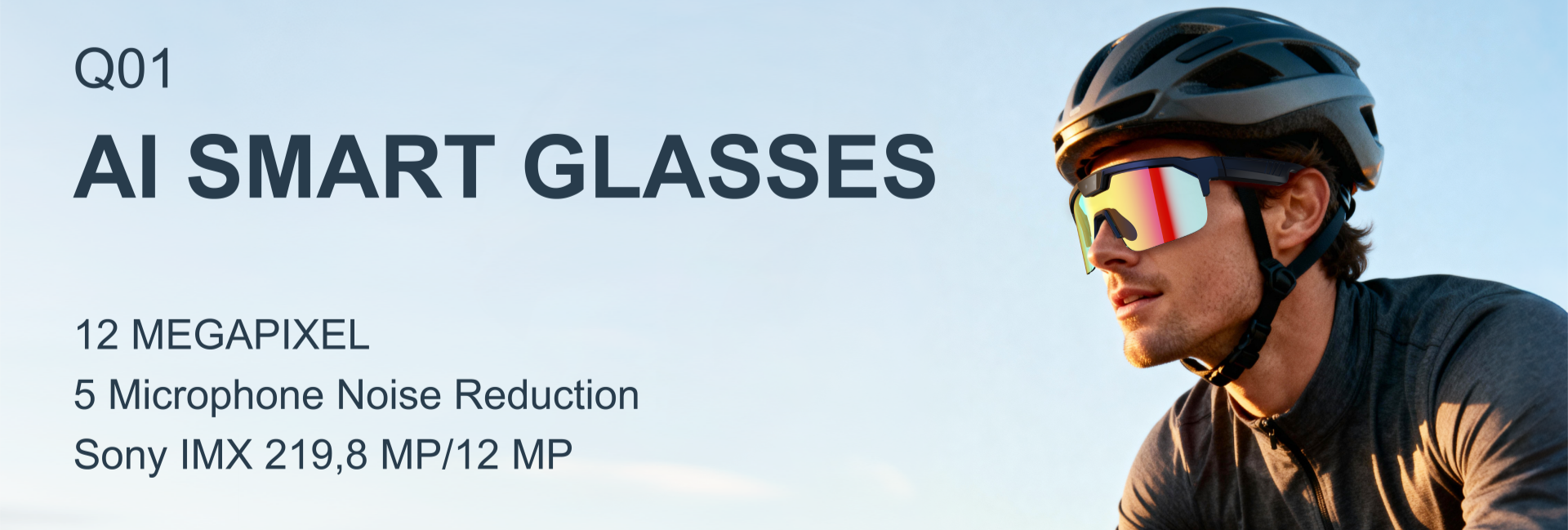
ChatGPT-class voice assistant, 40+ language translation and hands-free capture in one lightweight frame.
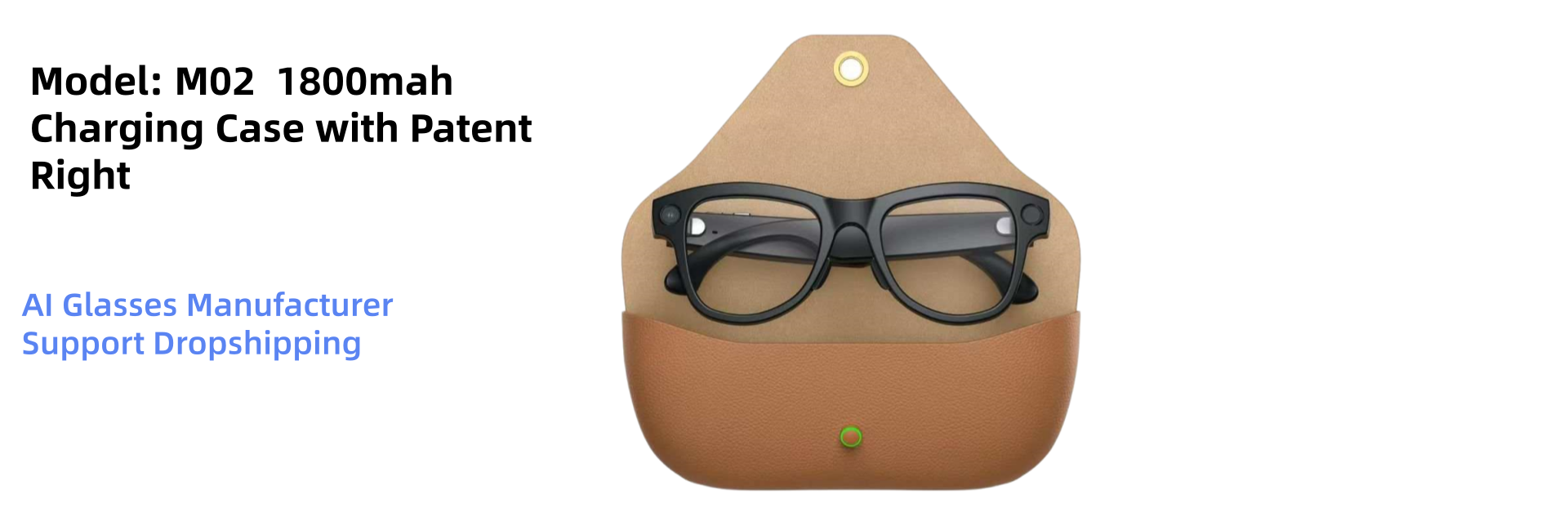
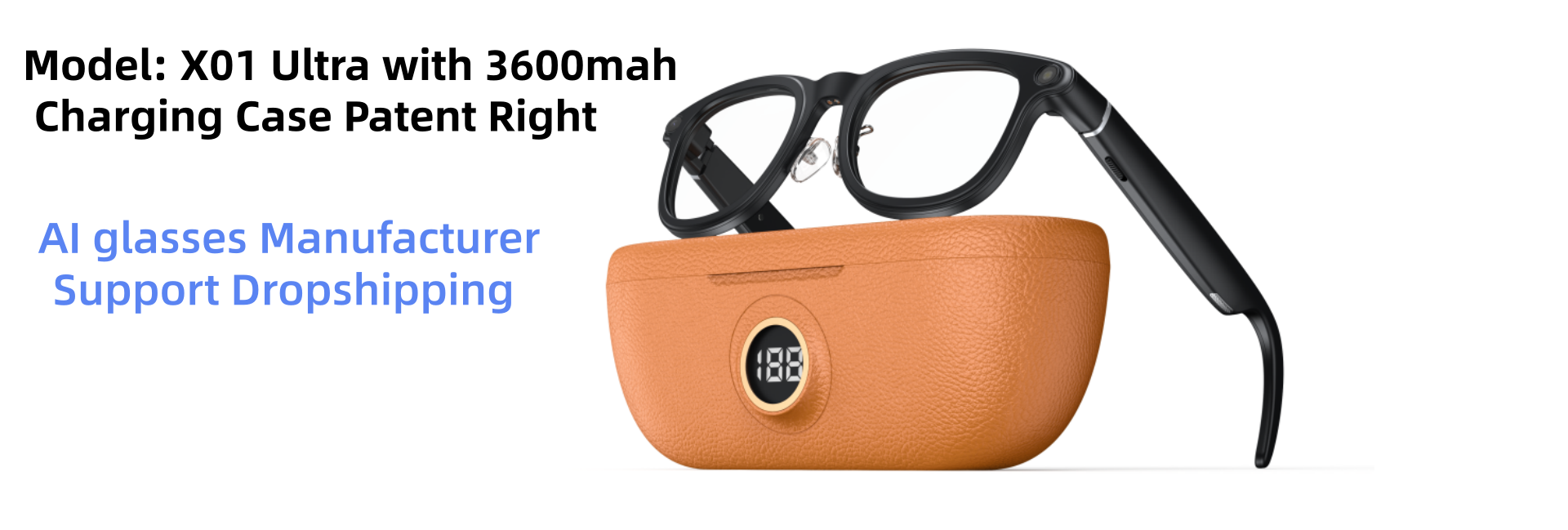
4K / 1080P capture, interchangeable sunglass lenses and a pocket charging case for all-day shooting.
Own-tooling platform with 8MP camera, anti-shake stabilisation and exclusive territory options for brands.
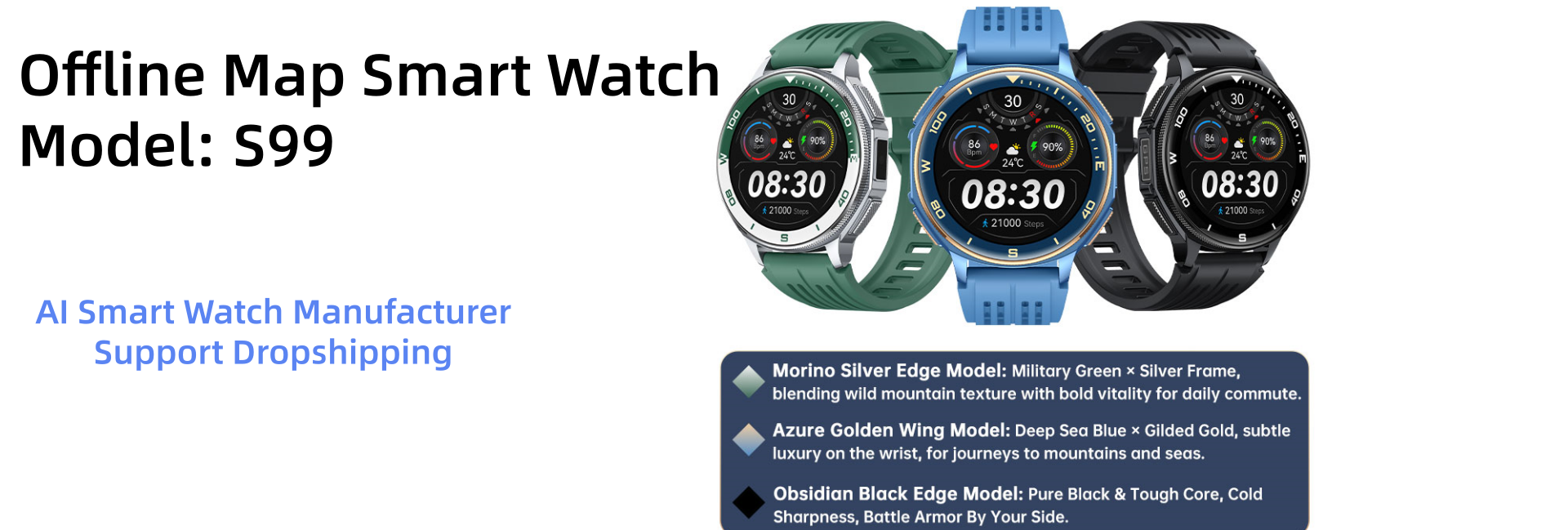
1.43" AMOLED, dual-frequency GPS, offline maps, 170 sport modes and stainless-steel build.
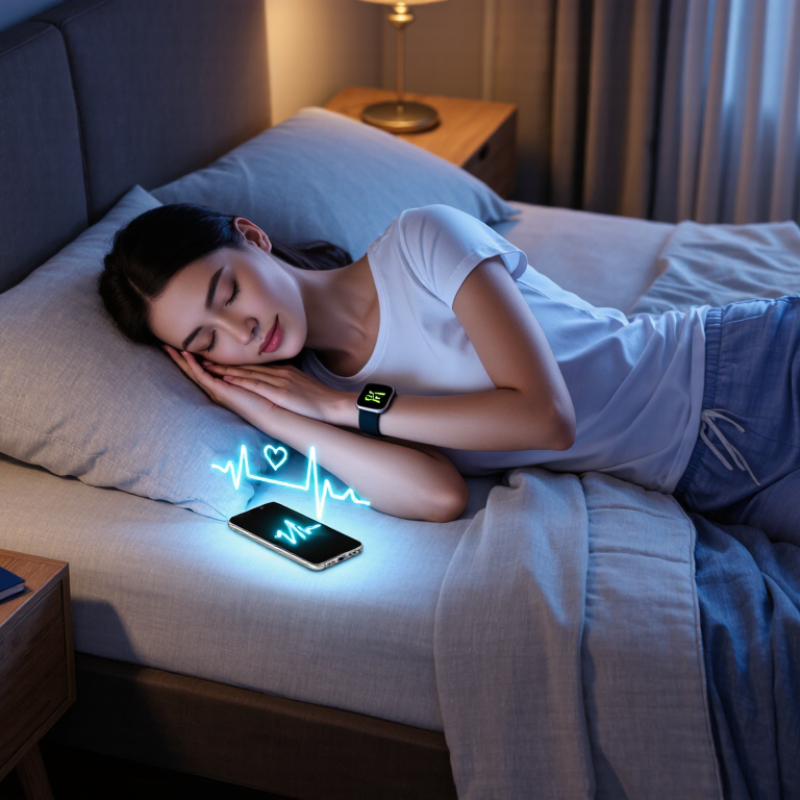
Choosing a Sleep Tracking Smartwatch involves more than comparing colorful sleep-stage charts. The device rests against your wrist all night, so comfort matters as much as features. A bulky case, stiff band, or bright screen can become distracting after several hours. Battery life matters, too; nightly tracking is less useful if the watch needs charging every morning. Small details count.
A useful comparison should look at sensor capabilities, sleep summaries, app design, and how clearly each brand explains its measurements. Heart rate and movement data can help reveal patterns, such as restless nights after late caffeine or changes in bedtime. Yet sleep-stage estimates from a wrist device are not the same as clinical testing. Treat them as clues, not a diagnosis. That distinction is easy to forget when an app presents precise-looking graphs.
Privacy deserves attention before you sync months of personal data. Check what information the companion app collects, how it stores data, and whether you can control sharing. Also consider compatibility with your phone and whether the watch remains helpful beyond sleep tracking. A model with clear reports and comfortable wear may serve you better than one packed with features you never use. There is no perfect choice. Your routine, budget, and tolerance for overnight wear all matter. These ten tips will help you compare options carefully, spot meaningful differences, and choose a watch that supports better-informed sleep habits without promising more than its data can show.
Before comparing sleep scores, decide what you want the watch to help you notice. Are you checking bedtime consistency, overnight interruptions, or whether late coffee seems to affect your rest? A clear goal makes feature lists easier to judge. The American Academy of Sleep Medicine and Sleep Research Society recommend that adults regularly get at least seven hours of sleep. Treat that as a useful reference, not a personal diagnosis. The CDC’s 2016 analysis found that 33.2% of U.S. adults reported sleeping fewer than seven hours per night.
For bedtime habits, look for a readable sleep-duration history, simple trend charts, and a comfortable fit that you can tolerate all night. If you wake often, check whether the watch records estimated interruptions and lets you add notes, such as a noisy room or a late meal. Battery life matters, too: a device charging on your nightstand cannot track your sleep. Keep expectations modest. The AASM cautions that consumer sleep technology should not replace medical evaluation. Wrist sensors estimate sleep; they do not confirm sleep disorders. No graph fixes a late meeting. And a score can feel precise while missing the reason you slept poorly. Choose features that help you ask better questions, then discuss persistent concerns with a qualified clinician.
Choose a watch that reliably tracks total sleep time and lets you review trends against your age group's guidance. Adults under 61 are generally advised to get at least 7 hours per night. Recommendations shown for ages 61–64 and 65+ are from the CDC.
Source: U.S. Centers for Disease Control and Prevention (CDC), How Much Sleep Do I Need?
Sleep tracking is most useful when its numbers answer a clear question. Start with heart rate, estimated sleep duration, and wake periods; these are easier to compare across nights than a single “sleep score.” A useful watch also shows how it reached its estimates. Sleep stages are less certain. They are inferred from movement and body signals, not measured directly from the brain.
Look closely at the sensors. Optical sensors use light to estimate pulse through the skin, while motion sensors detect turning or getting out of bed. Some watches also record skin temperature or blood oxygen, but extra readings do not automatically mean better sleep data. A loose band, cold hands, or a restless night can affect results. Fit matters. A watch that pinches may wake you, which defeats the point.
Compare readings with a consistent routine, not one night alone. Wear the watch snugly, charge it before bed, and note unusual factors such as late exercise or illness. Check whether it marks quiet wakefulness as sleep; sitting still can confuse motion-based tracking. If its sleep duration differs from your own notes by an hour, look for a repeated pattern before trusting the metric. Even then, these devices provide estimates, not medical diagnoses. Their precision can look reassuring, but the underlying signal is imperfect.
Before choosing a sleep-tracking smartwatch, wear it for an ordinary evening, not just a quick store visit. The case should sit comfortably when your wrist bends, and the strap should stay secure without leaving a deep mark. Try lying on your side; a raised sensor or bulky edge may press into your skin. Small details matter at 2 a.m. I once underestimated that.
Tip: Check overnight comfort with your usual pillow and sleep position. If the watch feels distracting after ten minutes, it may bother you for a whole night.
Battery life matters because tracking is useful only when the watch has enough charge to stay on your wrist. Look for realistic estimates that account for continuous heart-rate sensing and screen use. A charging routine can help, but charging only at bedtime is awkward if that is when you need the device most. Test your own routine for several days; advertised figures may not match your settings.
Tip: Confirm that the watch can last through your longest night, with some charge left for the morning. Check whether its charging cable is easy to reach and use.
Overnight usability includes quiet alarms, simple controls, and settings that prevent bright screens from lighting up a dark room. Review what data the watch records and how clearly it presents trends. Treat nightly scores as estimates, not a diagnosis. If a feature feels confusing, that is worth noticing too.
Before choosing a sleep-tracking smartwatch, check that its app works with your phone’s operating system and current software version. A device can look polished in a shop but feel frustrating if sleep records sync slowly or key features require another app. Check twice. Read the app’s permissions and privacy policy: note whether data is stored locally or in the cloud, how long it is kept, and whether you can delete or export it. If the policy is vague, treat that as a reason to pause. A quiet bedroom is no help if setup keeps you tapping through unclear menus.
Health integrations matter, too. Confirm that the watch can share sleep duration, heart-rate trends, or other relevant records with the health platform you already use. Look for clear controls over what gets shared; connection should not mean automatic access to everything. Try to review a sample report before buying, if possible. Can you find last night’s bedtime and wake time without digging through several screens? Sleep estimates are useful for spotting patterns, but they are not medical diagnoses. Even careful checks can miss a future app change, and compatibility may shift after updates. That part is easy to overlook.
A low sticker price can hide the real cost of a sleep-tracking smartwatch. Add any required subscription, replacement bands, and likely battery decline over two or three years. Divide that total by the months you expect to use it. The monthly figure is easier to compare. That matters. IDC reported 537.9 million wearable-device shipments worldwide in 2023, a 6.1% annual increase. A crowded market does not guarantee lasting software updates or affordable repairs.
Read reviews for repeated patterns, not dramatic one-star stories. Look for comments about overnight battery drain, uncomfortable sensors, and whether data exports remain available. A review mentioning a full week of nightly use is more useful than an unboxing impression. Still, user reviews cannot prove clinical accuracy. The American Academy of Sleep Medicine’s 2018 position statement says consumer sleep technology should be validated against established sleep-testing methods before clinical use. Treat sleep-stage charts as estimates, not diagnoses. A polished graph can feel more certain than it is.
Support matters. Check the maker’s published update policy, warranty terms, repair options, and app compatibility before buying. Ask whether your sleep history can be downloaded if the app changes or service ends. A smartwatch that works well tonight may become frustrating after a phone update. I would give long-term support more weight than one extra metric, though that trade-off is easy to overlook when comparing feature lists.
| No. | What to Evaluate | Practical Check | Why It Matters |
|---|---|---|---|
| 1 | Total cost | Compare the watch price with any required app subscription, replacement bands, and likely accessory costs. Check whether core sleep reports remain available without a paid plan. | The purchase price may not reflect the full cost of using the watch over time. |
| 2 | Comfort overnight | Check the watch’s weight, case size, band material, and fit. If possible, try wearing it for a full night before deciding. | A tracker can only collect useful overnight data if you are comfortable wearing it consistently. |
| 3 | Battery life | Compare the stated battery life with the time needed to recharge, and check whether sleep tracking or display settings affect battery use. | Frequent charging can leave gaps in overnight records, especially if you charge the watch at bedtime. |
| 4 | Sleep metrics | Confirm which features are included, such as sleep duration, sleep schedules, overnight heart-rate trends, or estimated sleep stages. | Different devices provide different measures; more metrics do not necessarily mean more accurate results. |
| 5 | Data limitations | Read how the device estimates sleep and wake times. Treat sleep-stage readings as estimates, not as a medical diagnosis. | Consumer wearables infer sleep from signals such as movement and heart rate; they are not a substitute for clinical sleep testing. |
| 6 | Independent reviews | Look for reviews that explain testing methods and discuss overnight comfort, battery performance, data consistency, and app usability. | Detailed testing is more useful than star ratings alone, which may not explain how a device performs during sleep. |
| 7 | Review patterns | Compare feedback across multiple sources and note repeated complaints, such as missed sleep periods, syncing problems, or uncomfortable bands. | Recurring issues across independent reviews can reveal practical drawbacks that a product description may not mention. |
| 8 | App and phone compatibility | Check the manufacturer’s current compatibility information for your phone and operating system. Review what data can be exported or shared. | Compatibility and data access can affect whether you can keep using your sleep records if you change phones or apps. |
| 9 | Privacy and data controls | Read the privacy policy and check settings for data collection, account deletion, sharing, and downloading or removing personal data. | Sleep and health-related information can be sensitive, so it is important to understand how it is stored and used. |
| 10 | Long-term support | Look for clear information about software updates, app support, warranty coverage, repair options, and customer service. | Ongoing support can affect security, compatibility, and the usefulness of the watch and its app over the years you own them. |

Compare estimated sleep duration, heart rate, and wake periods across several nights. A single sleep score can hide useful details.
Sleep stages are estimates based on movement and body signals, not direct brain measurements. Treat them cautiously.
Optical sensors estimate pulse through the skin, while motion sensors detect turning or getting out of bed. Fit matters.
Yes. Sitting still in bed may look like sleep to motion-based tracking. Compare the record with your own notes.
Wear the watch snugly and charge it before bed. Note late exercise, illness, or a restless night. Check several nights.
Confirm compatibility with your phone’s operating system and software version. Review permissions, data storage, retention, and deletion options. Check twice.
Look for clear controls over shared records, such as sleep duration and heart-rate trends. Vague policies deserve a pause.
No. They can help reveal patterns, but they are not diagnoses. I may still trust a neat chart too quickly.
Choosing a Sleep Tracking Smartwatch starts with understanding what you hope to learn, whether that is your sleep schedule, nighttime movement, or general patterns over time. Compare the sleep metrics each watch provides, the sensors it uses, and how clearly it explains the limits of its measurements. No consumer device can capture every detail of sleep, so look for useful, consistent information rather than assuming that readings are a medical diagnosis.
Comfort and dependable overnight use matter just as much as features. Consider whether the watch feels comfortable in bed, has enough battery life for nightly tracking, and works with your phone and preferred health apps. Review how your personal data is handled, what the device and any ongoing services cost, and whether independent user feedback points to reliable performance. Finally, check that the software and support are likely to remain available over time, so your choice continues to fit your needs.